
Brand video templates: scale your videos without breaking your brand guidelines
A brand video template fixes the identity and keeps useful content editable. What to lock, how to adapt by format, market and language, and how to govern templates.

Jean-Baptiste DuquesneSEO, GEO & content operations · Published 14 November 2026
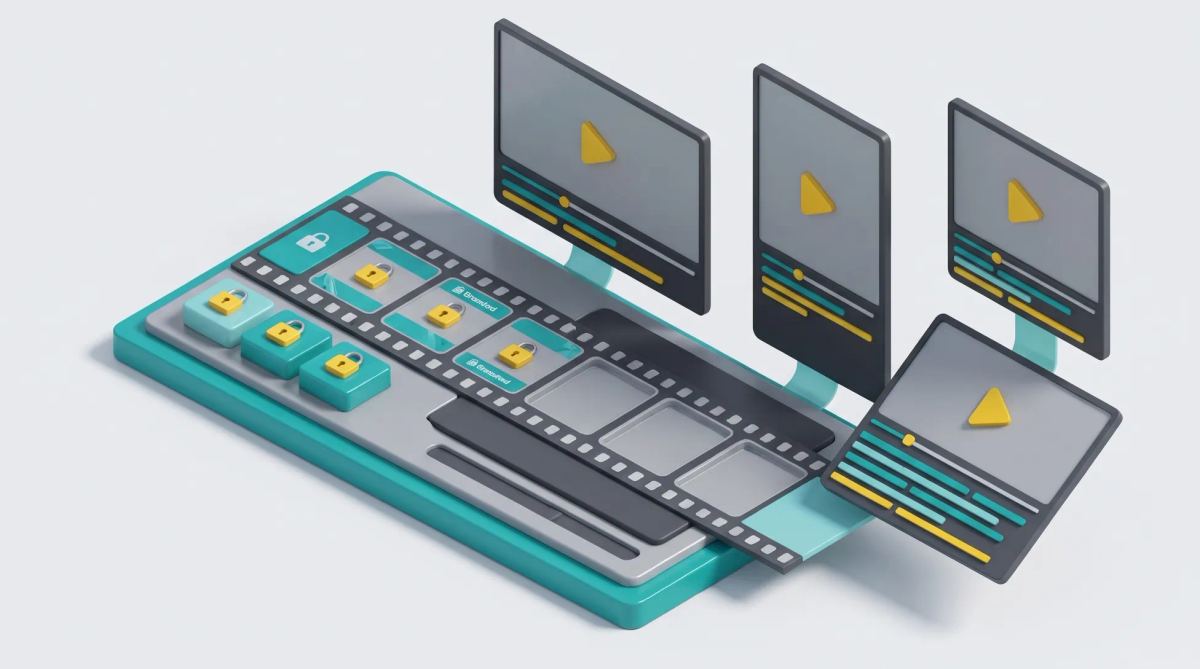
In short: a brand video template is a template designed by the creative team, where the brand guidelines (logo, fonts, colors, animations, graphic frame, legal mentions) are locked, and only the useful fields (text, image, price, language, format) stay editable. It lets marketing teams produce many short videos without going back to a video editor, while staying on brand.
What is a brand video template?
It is a video template whose structure and visual identity are fixed, and some of whose elements (text, media, durations, formats) can be set to produce compliant variations. It should be distinguished from two related notions:
- The generic template, from an online video editor's template library: handy, but designed for everyone, not for your brand guidelines.
- The dynamic template, a brand template fed with data (product, price, language) to produce series.
The principle is the same as for static visuals: see our article on template management systems.
Why video is a brand consistency problem
Video multiplies variables: formats (16:9, 9:16, 1:1, 4:5), durations, languages, subtitles. Without templates, each version is a new edit, with as many risks of drift: misplaced logo, substitute font, forgotten legal mentions. The problem gets worse when subsidiaries or franchisees produce their own videos. See also automated video marketing at scale.
What to lock in a video template (and what to leave free)
| Locked | Editable | Why |
|---|---|---|
| Logo and its position | Hook | The identity stays fixed, the message adapts |
| Colors and fonts | Subtitles | Readability follows the brand guidelines, the text follows the language |
| Intro and outro animations | Product visuals | The rhythm remains the brand's |
| Final packshot | Price and offer | The sign-off stays identical everywhere |
| Legal mentions | Call to action | Mentions cannot be deleted by mistake |
Add text length rules for each field and safe zones for each format, so nothing is hidden by social media interfaces.
Adapting a template by format, market and language
A good template adapts from a single source:
- Formats: cropping according to safe zones for 16:9, 9:16 and square.
- Markets: local prices, legal mentions and visuals.
- Languages: text and subtitles translated inside the template.
Example: a promotional campaign adapted into 16:9 for YouTube, 9:16 for stories and 1:1 for the feed, in four languages, which gives twelve videos produced from one template. For translation, see our article on marketing video translation and localization.
Governing templates: roles, approval, versions
- Who creates: the in-house studio or the agency designs the templates.
- Who uses: central marketing, local teams, franchisees, each with their own permissions.
- Who approves: an approval workflow before publication. See video review and approval.
- Where it is stored: templates and final videos in the DAM.
- Updates: when the brand guidelines change, the template is updated once, and old versions are archived.
- Rights: music and images with licenses covering every market where the videos run.
How to choose a brand video template tool
| Criterion | Question to ask the vendor | Why it matters |
|---|---|---|
| Locking level | Can each element be locked separately? | Protect the brand without blocking content |
| Multi-format | Does one template produce several ratios? | Avoid rebuilding every format |
| Translation and subtitles | Is translation done inside the template? | Adapt by language without re-editing |
| Approval | Can approval be required before download? | Control legal mentions and prices |
| DAM | Are final videos centralized? | Find the right version |
| User permissions | Do permissions follow the organization? | Each user sees only their templates |
| Export formats | Which file formats are produced? | Match platform requirements |
Two families of tools meet this need: online video editors that offer team templates (Canva, PlayPlay or InVideo, for example) and creative automation platforms. See our article on video production automation tools and our analysis of PlayPlay.
Setting up your first templates in 5 steps
- Audit the videos produced over the last few months.
- Choose 3 to 5 recurring formats.
- Have the studio design the templates, with locked and editable zones.
- Test with a pilot team.
- Roll out with an approval workflow.
Brandeploy: brand videos adapted without leaving the brand guidelines
In Brandeploy, the creative team designs templates locked to the brand guidelines, with animations; marketing teams adapt videos by format, market and language, with automatic subtitles and MP4 or GIF exports, then get them approved; final files are stored in the DAM. Discover the creative automation platform or book a demo.
FAQ
What is the difference between a brand video template and a Canva or PlayPlay template?
A library template is designed for every user of a tool. A brand template is built from your brand guidelines, with locked elements and editable zones defined by your studio. Some vendors let you create such team templates.
Can you adapt the same video into 16:9, 9:16 and 1:1 from one template?
Yes, if the template was designed with safe zones for each ratio and the tool handles multiple formats. Plan to check each format before publication.
Who should create video templates: the in-house studio, the agency or marketing?
The in-house studio or the agency, who master the brand guidelines and editing. Marketing and local teams then use the templates to produce their versions.
How do you translate a brand video without re-editing it?
By keeping text and subtitles separate from the video inside the template, then translating those fields directly. Set length rules so translated text fits in the space provided.
How do you stop a franchisee or subsidiary from changing a video's logo or colors?
By using templates where these elements are locked, with permissions by user and approval before download for sensitive videos.

Written by
Jean-Baptiste Duquesne
SEO, GEO & content operations
Web pioneer since 1995, founder of the recipe site 750g.com (sold to Webedia), now industrialising SEO and GEO content production with AI.
Ready to scale your content production?
Book a demo