
Brand video templates: produce your marketing videos from templates
Build your videos sequence by sequence in an on-brand template, then adapt them by format and language without starting from scratch.
Book a demoBrandeploy lets you create brand video templates: templates organised into sequences, with a timeline, keyframes, Lottie animations and sound. Marketing teams replace texts, images and videos in dedicated fields. The video is then adapted to 1:1, 9:16, 16:9 and 4:5, translated and exported as MP4 or GIF.
These brands and agencies trust us





Video templates organised into sequences
A Brandeploy video is made of sequences, like the slides of a presentation. Each sequence carries its own layers: texts, images, videos, animations. You add, remove or reorder sequences to fit the message. The template ensures every video follows the same brand structure.
- Sequences you can add to lengthen or shorten a video
- Locked layers (logo, signature, mentions) or editable ones
- Named fields for text, image, video, Lottie animation and sound
- Your own brand templates, in addition to the Brandeploy library
Timeline, keyframes and effects
The video editor has a timeline to place each element in time. Keyframes define movements, appearances and transitions. Effects complete the animation. The studio sets these parameters once in the template, and every video produced inherits them.
- Timeline to set the duration and order of elements
- Keyframes to animate position, size or opacity
- Effects that can be applied to layers
- Animation defined once in the template, reused in every production
Lottie animations, GIFs and brand sounds
A brand video is more than a series of images. Brandeploy handles Lottie animations, GIFs and sounds as elements of the brand guidelines. They are stored in the brand's media library with tags and metadata. Teams insert them without hunting for the right file.
- Lottie animations built into templates
- GIFs usable as layers
- Brand sounds and sound design in the media library
- Tags and metadata to find each element
Video format adaptation
The same video often needs to exist as a story, a square, a landscape and a portrait. Like still visuals, a video creative has a master and synchronised sizes. A change to the master is applied to every format. You can then reframe each size if needed.
- 1:1, 9:16, 16:9 and 4:5 formats
- Sizes synchronised with the video master
- Format-by-format adjustment possible
- A single project for every format in a campaign
Video translation and MP4 or GIF export
For international distribution, Brandeploy automatically translates videos into more than 80 languages. Each market has its availability workflow. Approved videos are exported as MP4, or as GIF for lighter uses.
- Automatic video translation into more than 80 languages
- Configurable markets (France, Italy, United Kingdom, etc.)
- Review statuses and comments on creatives
- MP4 and GIF export
How it works
- 1The studio designs the video template: sequences, timeline, keyframes, Lottie, sound and locked layers.
- 2The marketing team fills in the named fields: texts, images, product videos.
- 3It adds the formats it needs (1:1, 9:16, 16:9, 4:5) and adjusts each size if needed.
- 4The video is translated for the relevant markets, then reviewed and approved in the workflow.
- 5Each version is exported as MP4 or GIF.
Customer proof
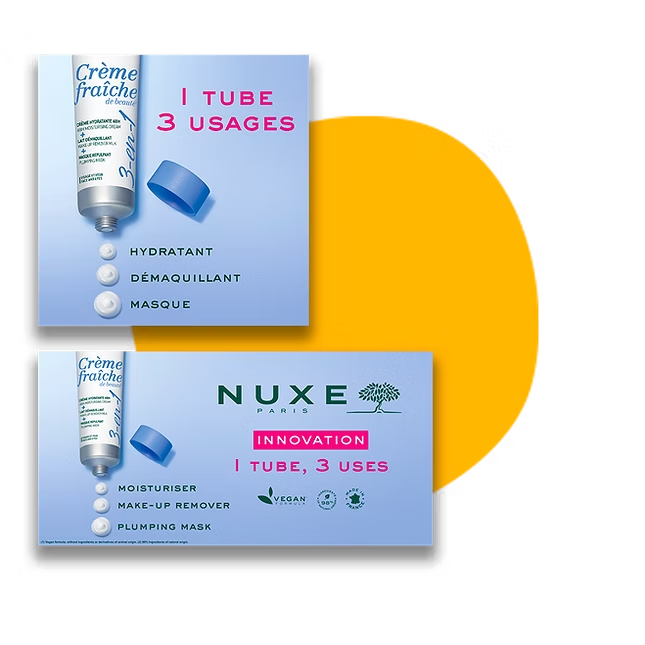
Nuxe relies on Brandeploy to localise its marketing kits in 60 countries. This case illustrates the logic of brand templates: content designed once, then adapted market by market without losing consistency. Read the Nuxe case study.
FAQ
What is a brand video template?
It is a video template that sets a brand's structure, animation and guideline elements. Teams replace the variable content in it, such as texts or images. Every video produced stays consistent with the template defined by the studio.
Do I need editing skills to use video templates?
Not for the marketing team producing the videos: they fill in named fields. Designing the template, with the timeline and keyframes, is the job of the studio or agency. Locked layers prevent accidental changes.
How do I automate marketing video production?
In Brandeploy, automation relies on three levers: reusable video templates, synchronised format adaptation and automatic translation. For high volumes, bulk creation from an Excel file generates one creative per row.
Which video formats can I produce?
Brandeploy adapts videos to 1:1, 9:16, 16:9 and 4:5. These formats cover most uses: story, social feed, landscape screen and portrait. Export is in MP4 or GIF.
Can I translate a video without remaking it?
Yes. Videos are automatically translated into more than 80 languages in Brandeploy. Each market can then review and approve its version before export.
Discover how to turn your brand videos into reusable templates: book a demo.