Brand portal: what it is, key features and how it differs from a DAM
What a brand portal is, its key features, who uses it, how it differs from a DAM and how to choose one for your teams, agencies and partners.

Jean-Baptiste DuquesneSEO, GEO & content operations · Published 25 October 2026 · Updated 13 November 2026
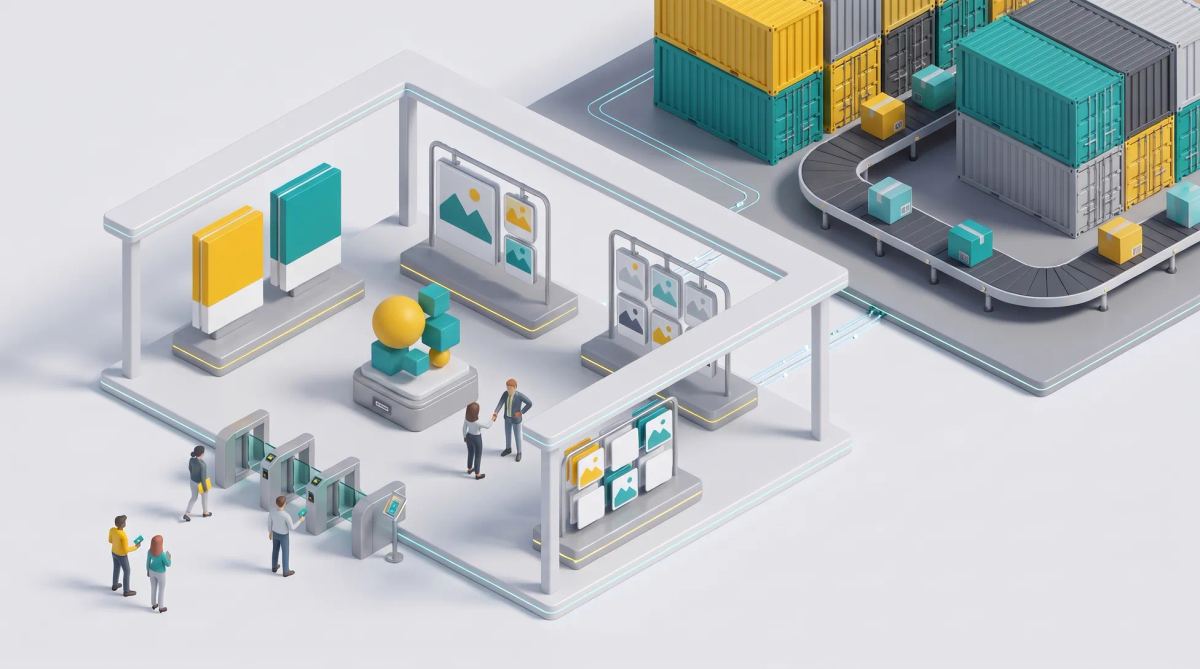
In short: a brand portal is the central place where employees, agencies and partners find your brand guidelines and approved assets, with controlled access. A DAM is the system of record for all digital assets across their lifecycle. The portal is the shop window, the DAM is the warehouse. Many organizations need both, and more and more of them also want the portal to let people produce on-brand materials, not just download them.
What is a brand portal?
A brand portal is a central hub where internal teams and external partners access brand guidelines and approved assets, with permissions that control who sees what. It typically contains logos and their variants, color palettes, fonts, guidelines, approved images and videos, and templates. Some vendors call it a brand center or a brand hub; the purpose is the same: one trusted source for everyone who represents the brand.
Key features of a brand portal
- Online brand guidelines: rules that are browsable, searchable and always up to date, instead of a PDF that goes out of date. See AI brand guideline software.
- Approved asset library: only validated logos, images and videos.
- Search and filters: by campaign, product, market or format.
- Permissions and external sharing: what each internal team, agency or partner can access, with expiring links.
- Templates for on-brand creation: so users create new materials without breaking the rules. See template management system.
- Usage tracking: which assets are downloaded and used, by whom.
- Asset requests and approval: a way to request access or submit materials for validation.
Brand portal vs DAM: what is the difference?
A DAM manages the full lifecycle of all digital assets: ingestion, metadata, versions, rights, workflows and archiving. A brand portal distributes approved brand materials to the people who use them, inside and outside the company.
| Criterion | Brand portal | DAM |
|---|---|---|
| Purpose | Give users the right brand materials and rules | Manage every asset as a system of record |
| Scope of assets | Approved, curated brand assets | All assets, including work in progress and archives |
| Main users | Employees, local teams, agencies, partners, press | Marketing operations, studios, librarians |
| External access | Central to the use case | Possible, often more restricted |
| Lifecycle | Distribution and use | Creation, versioning, rights, archiving |
| Metadata depth | Simple, user-oriented | Deep, structured |
| Typical integrations | Creative tools, intranet, partner sites | CMS, PIM, creative suites, e-commerce |
For the DAM side, read our guide to digital asset management.
Who uses a brand portal?
- Internal marketing and sales teams who need the latest presentation, logo or product visual.
- Local markets and subsidiaries who adapt campaigns to their country.
- Agencies who need guidelines and source assets for a brief.
- Distributors and retailers who need product images and point-of-sale materials.
- Journalists looking for an official press kit.
Do you need a brand portal, a DAM, or both?
- Small asset volume and many external users: a brand portal is often enough.
- Heavy production, versioning and rights management: you need a DAM.
- Both: put a portal on top of a DAM, or choose a platform that combines an asset library, templates and approval in one place. See DAM and creative platform integration.
From brand portal to on-brand production
A read-only portal has a limit: users still need to create new materials, such as a local post, a translated banner or a store poster. Without a production layer, they rebuild files in generic tools and drift from the guidelines. Locked templates solve this: the studio defines what stays fixed and what can be edited, and users produce on-brand variations themselves. This is why many large organizations move to a dedicated brand management platform.
Market examples include Frontify, which starts from guidelines; Bynder, which starts from the DAM; and Papirfly, which combines portal, DAM and templates. Read Frontify vs Bynder and our Papirfly analysis.
How to choose a brand portal
| Criterion | Question to ask | Red flag |
|---|---|---|
| Permissions and SSO | Can we set access by team, market and partner, with SSO? | One access level for everyone |
| External sharing | Can agencies and partners access without a full license? | Every external user needs a paid seat |
| Guidelines editor | Can the brand team update rules without a developer? | Guidelines only as uploaded PDFs |
| Templates | Can users create new materials within locked rules? | Download only |
| Approval workflows | Can we require validation before use or publication? | No trace of who approved what |
| Multilingual content | Can templates be translated without breaking layout? | One language per template file |
| Integrations | Does it connect to our DAM, PIM and creative tools? | Manual uploads only |
| Adoption | How long does onboarding take for a local marketer? | Training measured in days |
Brandeploy: find approved assets and produce on brand in one place
Brandeploy combines a DAM, brand-locked templates, translation and localization of creatives and approval workflows. Teams find approved assets and produce on-brand variations in the same place, and local teams and partners work without source files. Learn more about brand management in Brandeploy or book a demo.
FAQ
What is the purpose of a brand portal?
A brand portal gives employees, agencies and partners one trusted place to find brand guidelines and approved assets, with permissions that control who can access what.
Is a brand portal the same as a brand center or brand hub?
Yes, these names describe the same idea: a central access point to brand rules and approved materials. Vendors use different labels for marketing reasons.
Can a brand portal replace a DAM?
Only for organizations with a small asset volume. A DAM manages the full lifecycle of all assets, with metadata, versions and rights; a portal distributes approved materials. Larger organizations usually need both or a combined platform.
Who should have access to a brand portal?
Anyone who represents the brand: internal marketing and sales teams, local markets, agencies, distributors, retailers and sometimes journalists, each with permissions matched to their role.
What should be included in a brand portal?
Logos and variants, color palettes, fonts, guidelines, approved images and videos, templates, and contact points for requests and approvals.

Written by
Jean-Baptiste Duquesne
SEO, GEO & content operations
Web pioneer since 1995, founder of the recipe site 750g.com (sold to Webedia), now industrialising SEO and GEO content production with AI.
Ready to scale your content production?
Book a demo