
AI outpainting: how to expand an image beyond the frame
Beyond the Canvas: How AI Outpainting is Reshaping Creative Composition Creative professionals have long been constrained by the rigid borders of their photography and digital assets. A perfectly framed shot might be in a portrait…
Rédaction Brandeploy · Published 16 September 2025 · Updated 12 October 2026
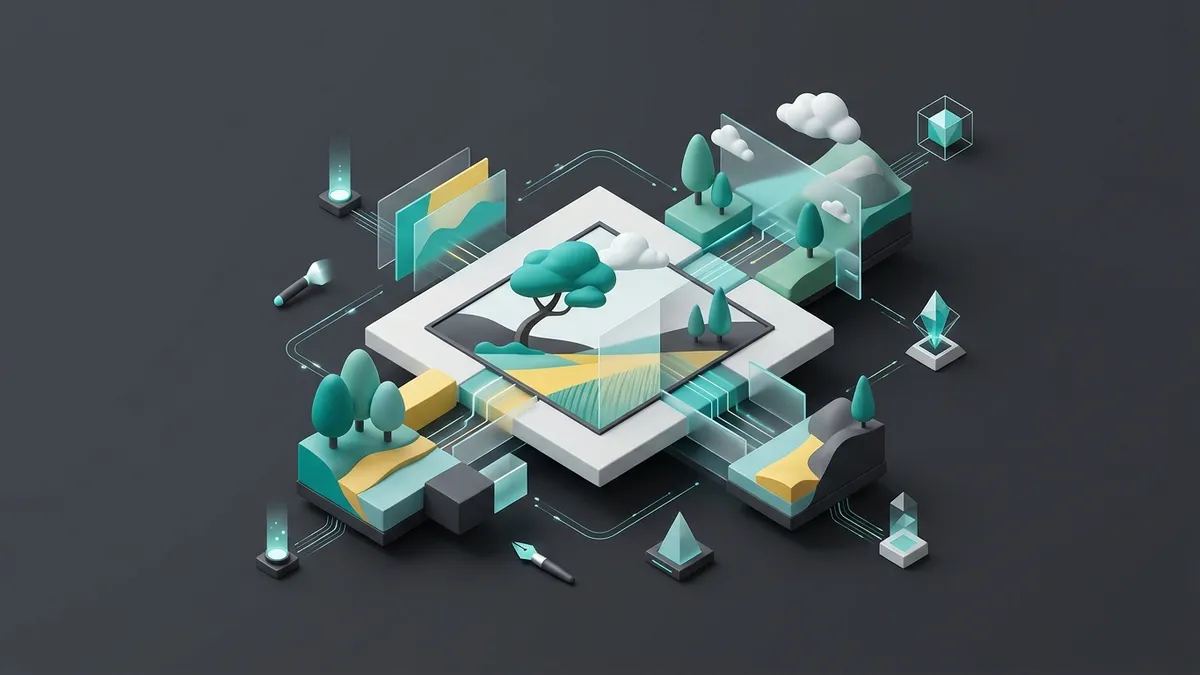
Beyond the Canvas: How AI Outpainting is Reshaping Creative Composition
Creative professionals have long been constrained by the rigid borders of their photography and digital assets. A perfectly framed shot might be in a portrait orientation when a wide banner is needed for a homepage layout, or a product image might lack the negative space required for marketing copy. Traditionally, extending a background meant using manual cloning and content-aware tools—a slow, meticulous process that often failed to produce natural results, especially when trying to optimize PDP images for diverse layouts.
The Challenge of Manual Image Extension
Manually extending an image’s background is one of the most technical tasks in photo editing. It requires a designer to replicate light, shadows, and textures without creating robotic patterns. For organic scenes like forests or complex architectural details, the manual approach is rarely perfect. This technical barrier often slows down content production workflows, as teams struggle to adapt a single asset for a dozen different formats. Designers are increasingly turning to generative models to automate these complex visual extensions. Designers frequently find themselves compromising on composition just to meet technical specifications.
The AI Revolution: Generating Content Beyond the Frame
AI outpainting, also known as generative image expansion, offers a transformative solution. Instead of simply stretching or mirroring pixels, the AI analyzes the semantic content of the image to imagine what would naturally exist beyond the borders. This form of AI-powered visual creation can extend a skyline, continue a mountain range, or add plausible room details, all while maintaining the original style and lighting. This process is essential for creating Amazon images with AI that require specific aspect ratios for different listing categories.
Improving Efficiency with Generative Backgrounds
The speed of AI outpainting allows marketing teams to be far more agile. Rather than requesting a reshoot, a brand can take a legacy asset and repurpose it for integrated digital content across multiple channels. By using tools like DALL-E 3 or Adobe Firefly, creators can "zoom out" of an image to reveal a wider context, providing more room for branding and call-to-action buttons without cluttering the main subject.
Scalability for Multichannel Marketing
In a global market, the need for variety is constant. Teams must manage automated marketing content localization while ensuring every visual looks premium. Outpainting makes it possible to generate vertical, square, and horizontal versions of a single masterpiece in seconds. This flexibility is vital for multichannel content management, as it ensures visual consistency regardless of whether the user is on a mobile device or a desktop screen.
AI Integration in Modern Design Workflows
Modern design is no longer about static images; it is about dynamic adaptation. Using an AI tool for marketing campaigns allows brands to scale their message without scaling their costs. Whether it’s using AI background removal to clean a shot before expanding it, or applying AI in web design to create hero sections, outpainting solves the "aspect ratio headache" for good. This technology empowers creators to focus on strategy rather than repetitive manual retouching.
The Future of Human-Machine Collaboration
As we explore the intersection of human creativity and AI, the frame of the image is no longer a limit but a starting point. By understanding AI and content trends, brands can navigate technical constraints with ease. Even communication strategies are being rewritten to account for the speed at which visual assets can now be generated and modified.
Brandeploy: Automated Asset Reformatting and Governance
Brandeploy integrates advanced outpainting capabilities to solve the core challenge of enterprise asset adaptation. Within our platform, expanding an image is a seamless part of our automated templating engine, allowing brands to maintain perfect visual consistency across thousands of assets. Our technology ensures that when you expand an image for a new market or format, it remains strictly within your brand guidelines, eliminating the risk of off-brand AI generation. Discover how Brandeploy's AI creative automation produces on-brand banners, videos and visuals at scale. To see how you can scale your creative production and maintain total control over your visual identity, book a demo of the Brandeploy platform today.
FAQ
What is AI image outpainting?
AI image outpainting is a generative AI process that extends an image beyond its original boundaries. By analyzing the existing pixels, texture, and light, the AI predicts and creates a seamless continuation of the scene, allowing users to change the aspect ratio or add context without distorting the original subject.
What is the difference between AI inpainting and outpainting?
AI outpainting and inpainting use similar generative technology but differ in application. Inpainting is used to edit or fill missing parts inside the current frame, whereas outpainting extends the visual content outside the frame to expand the image's canvas size or change its orientation.
How can brands use AI image expansion for marketing?
Outpainting is highly effective for multi-platform marketing. It allows brands to take a single high-quality asset—like a square photo—and expand it into a wide website banner or a vertical social media story without losing image quality or requiring a brand new photo shoot.
Are there specific tools for AI image expansion?
Yes, tools like Adobe Firefly and DALL-E 3 are popular for creative expansion. For enterprise needs, platforms like Brandeploy integrate these capabilities into automated workflows, ensuring that expanded images maintain brand consistency and high-resolution quality across all digital touchpoints.
Why is manual image extension so difficult?
Manually extending a background is one of the most technical tasks in photo editing. The designer must replicate light, shadows and textures without creating robotic patterns. For organic scenes like forests or complex architectural details, the result is rarely perfect. This slows down teams that need to adapt one asset to many formats and often forces compromises on composition.
Written by
Rédaction Brandeploy
Ready to scale your content production?
Book a demo